

Imagine if your customers could instantly access product details, unlock special discounts, or even complete a purchase with just a quick scan. With how competitive the retail industry is, you need something that offers convenience to the customers.
Enter: Retail QR codes.
In this article, we dive deep into the benefits of these, top use cases, and how to generate your own. Ready to learn how to use QR codes in your retail business? Let’s begin.
The benefits of QR codes for retailers
Here are the benefits of using QR codes for retailers:
Enhanced customer engagement
QR codes allow retailers to provide a more interactive and engaging shopping experience. By scanning a QR code, customers can instantly access detailed product information, customer reviews, and even instructional videos or demonstrations. This level of accessibility encourages customers to make informed purchasing decisions without the need for additional assistance.
Streamlined payments and checkout
QR codes offer a convenient and contactless payment solution, which is becoming increasingly popular in retail environments. Customers can simply scan a code at checkout to complete their transaction using digital wallets like Apple Pay, Google Pay, or specific retailer apps. This eliminates the need for physical cards or cash, reducing checkout times and improving overall efficiency.
Real-time data collection
One of the biggest advantages of using QR codes in the retail industry is the ability to collect real-time data on customer behaviour and preferences. By tracking how often QR codes are scanned, where they are scanned, and what content is accessed, retailers can gain valuable insights into what products and offers are resonating with their customers.
Cost-effective marketing
QR codes provide an affordable way for retailers to connect offline marketing efforts with online content. By placing QR codes on product packaging, flyers, posters, or even in-store displays, retailers can direct customers to their websites, social media platforms, or exclusive promotions without the need for costly print advertisements.
Create Retail QR Codes With mobiQode
Start Free Trial →How to use retail QR codes: Top use cases
Here are the top use cases for QR codes in retail:
Product information access
Retailers can place QR codes on product packaging or in-store displays that link directly to detailed product information, such as specifications, reviews, and usage guides. This allows customers to make informed decisions without needing assistance from staff, improving both customer experience and operational efficiency.
Loyalty program enrollment
Loyalty program members can contribute significantly higher incremental revenue growth annually compared to non-members. Retailers can include QR codes on packaging or at checkout, allowing customers to quickly scan and join the program. Once enrolled, customers can receive personalized rewards and discounts directly through the retailer’s app or website.
Exclusive promotions and discounts
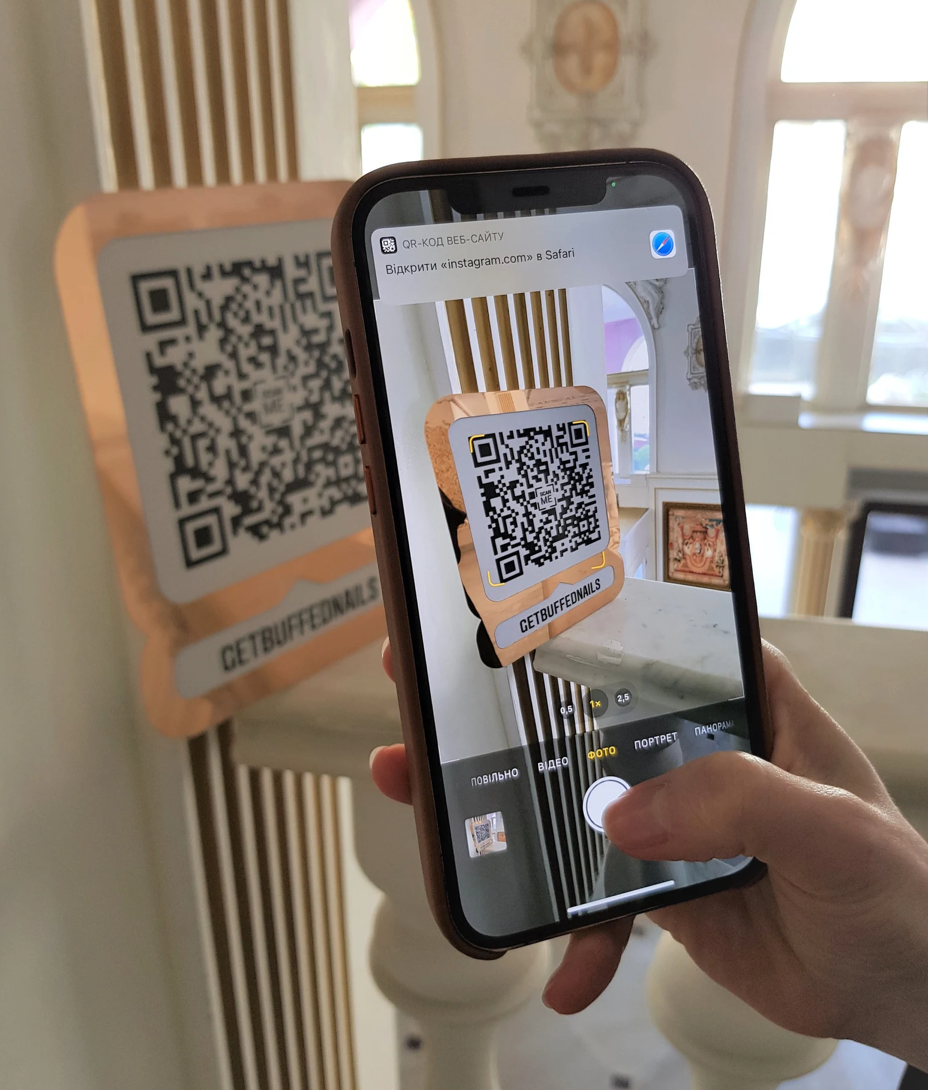
Retailers can offer special promotions or limited-time discounts via QR codes printed on in-store signage, shopping bags, or online ads. Customers can scan the code to unlock a discount, redeem an offer, or participate in a flash sale, driving immediate purchases and engagement.
Contactless payments
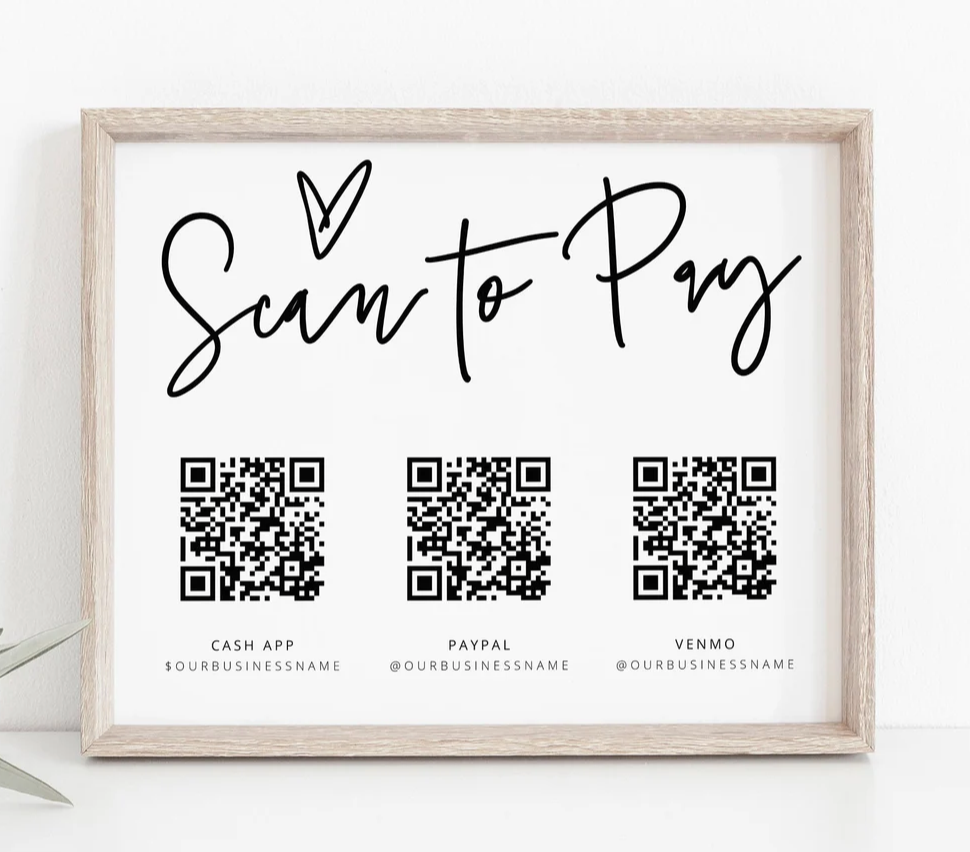
Retailers can integrate QR codes into their payment systems, allowing customers to make contactless payments using their smartphones. This enhances the checkout experience by reducing wait times and provides a safer, more hygienic option, especially in the wake of increased demand for contactless solutions.
Customer feedback and reviews
Retailers can gather valuable customer feedback by placing QR codes on receipts, shopping bags, or in-store displays, directing customers to a feedback form or review page. This encourages customers to share their opinions while the shopping experience is still fresh, helping retailers to improve their services.
In-store navigation and assistance
Retailers can enhance the in-store shopping experience by placing QR codes around the store that guide customers to different sections or provide product recommendations based on where they are shopping. These codes can also link to video tutorials or other helpful content for customers seeking more in-depth information.
Tracking and inventory management
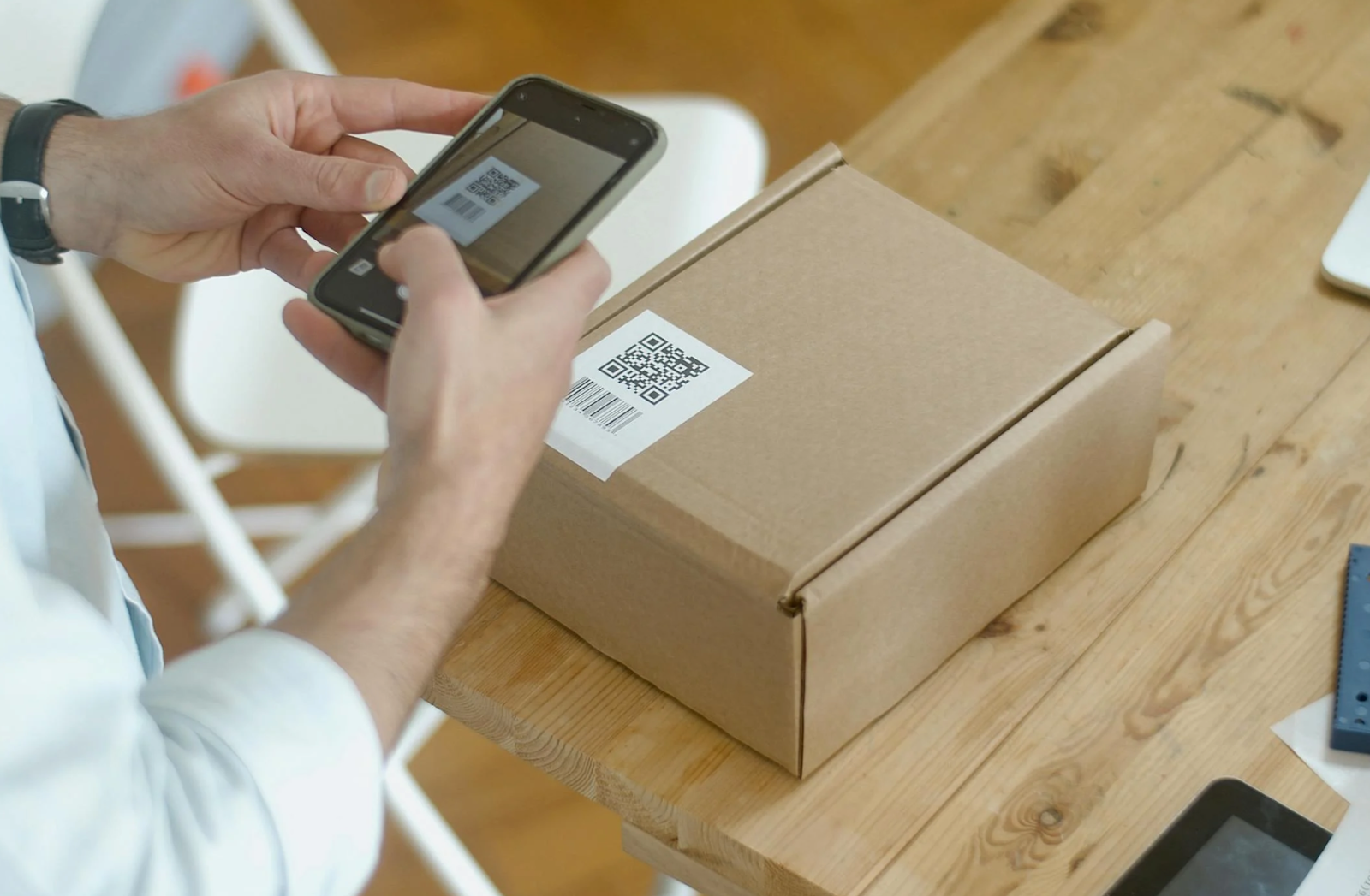
Internally, QR codes can help retailers manage inventory by tagging products with scannable codes that employees can use to track stock levels in real time. This reduces errors and helps ensure the right products are always available, both in-store and online.
How to create a QR code for retail
Now that you know the benefits and use cases of QR codes in retail, here’s how to create a QR code for retail using mobiQode’s online QR code generator:
Step 1: Visit mobiQode’s website
Access mobiQode through your browser, log in through your existing account, or sign up for a free trial.
Step 2: Select the QR code type
Choose the type of QR code you need based on your retail goal, such as a website link, product information, or anything else.

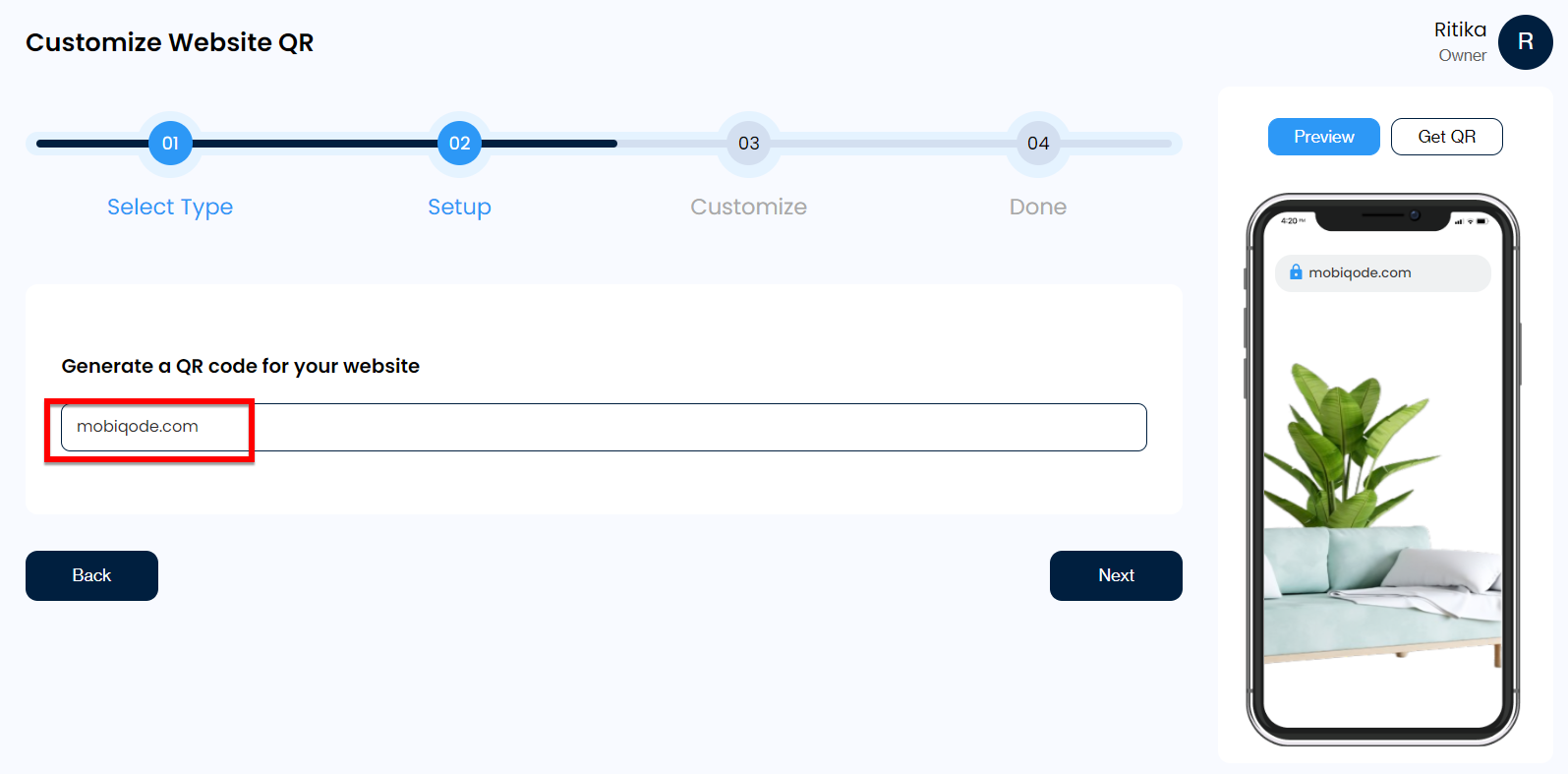
Step 3: Enter the required information
Fill in the details specific to your QR code type, such as the URL of your website, a product page, or a promotional PDF you want to offer.
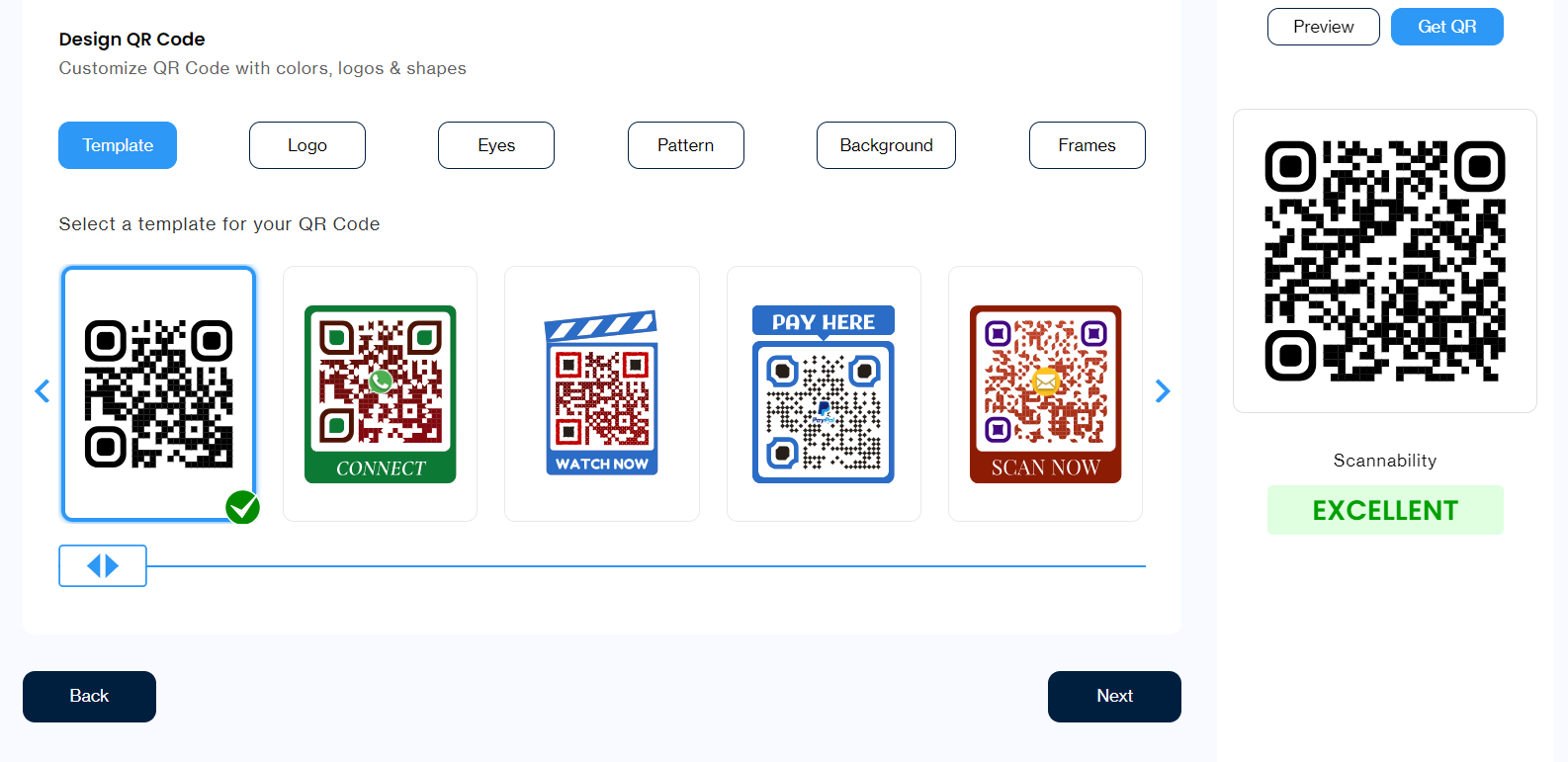
Step 4: Customize the QR code
Use the customization options to personalize the design. You can adjust colors, add a logo, or select different styles to match your branding and make the QR code visually appealing.
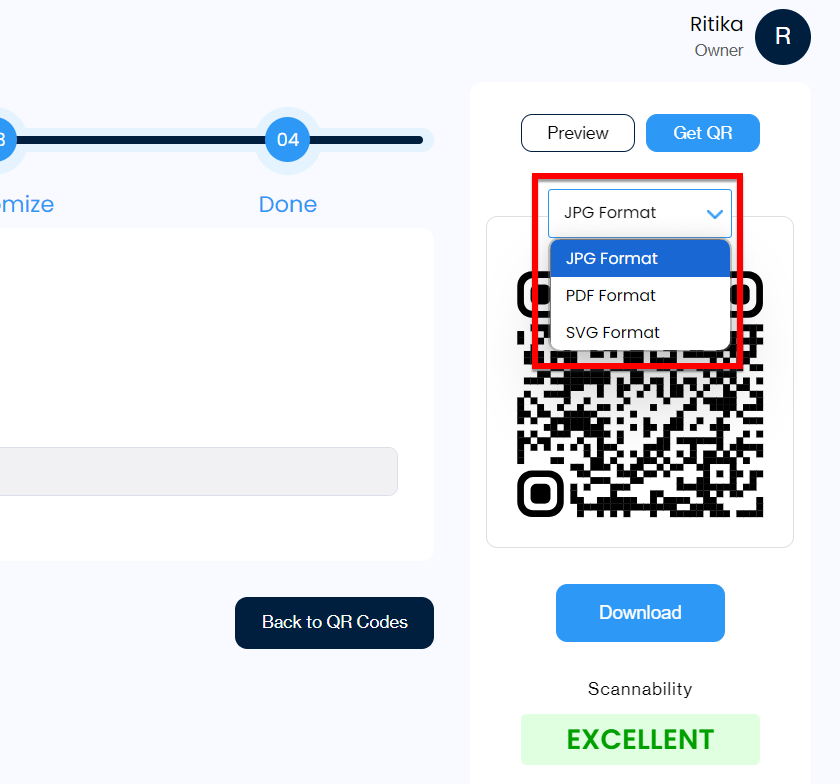
Step 5: Download and distribute
Download your QR code in your preferred format (PNG, SVG, etc.), and print it on your product packaging, in-store displays, marketing materials, or receipts for customers to scan.
Create retail QR codes with mobiQode
Integrating QR codes into your retail strategy can significantly enhance customer engagement, streamline operations, and drive sales growth. From offering quick access to product details to enabling contactless payments, QR codes provide a seamless way to connect your physical store with the digital world.
With mobiQode’s online QR code generator, creating customized dynamic QR codes for your retail business is quick, easy, and tailored to your needs. Sign up for the 14-day free trial and start creating retail QR codes today.
mobiQode — QR Code Generator for Retail
Start Free Trial →Retail is all about removing friction. QR codes let you turn every product tag, receipt, and display into a gateway for engagement, loyalty, and conversions.
Founder, mobiQode
Boost Your Retail Sales With Dynamic QR Codes
Start Free Trial →14-Day Free Trial · Plans from $3/mo · No Credit Card Required

