

Create Event QR Codes That Convert
Start Free Trial →Every event has the same core problem: too many moving parts, too little time, and long check-in queues. Confused attendees. Missed sessions. Lost leads.
Now imagine this: A guest walks in, scans a code, checks in instantly, saves the schedule, connects with speakers, and shares feedback — no delays, no confusion. QR codes for events solve this exactly. They let event organizers handle registrations, check-ins, networking, and feedback through a single scan — reducing staffing needs while delivering a better attendee experience.
Explore how to create a QR code for an event, why it’s important, and the best ways to use them.
What Is an Event QR Code?
Event QR codes are two-dimensional codes with event-specific information that smartphones can read to facilitate event marketing. Whether on a business card, brochure, poster, or advertisement, attendees simply scan the code to access the linked online content.
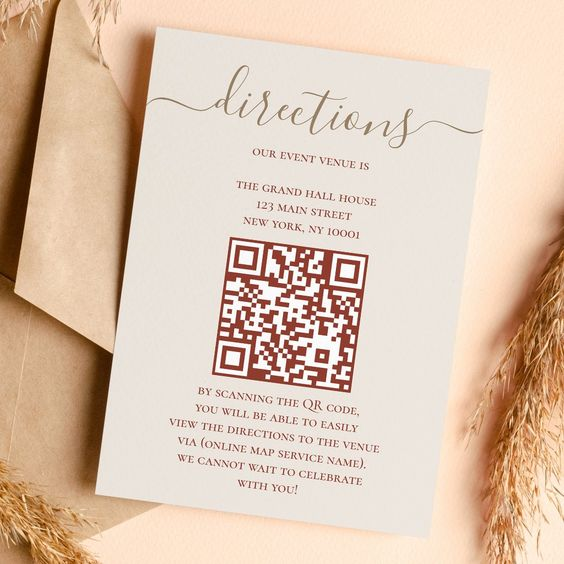
When scanned, an event QR code provides:
- Event details: Date, time, venue, and description
- Ticketing options: Direct links to purchase or reserve spots
- Digital calendar integration: One-tap event addition to personal calendars
- Organizer information: Contact details and background
Types of QR Codes You Can Use at Events
The best events use multiple QR codes across different touchpoints. Here are the most effective types:
📋 Registration QR Codes
Let attendees register and buy tickets in seconds — no forms, no manual data entry, no queues.
👤 Digital Business Card QR Codes
vCard QR codes at networking events give people clickable links to social profiles, portfolios, and contact details — more useful than a paper card.
📶 Wi-Fi Access QR Codes
Let attendees connect to event Wi-Fi instantly by scanning — no passwords to type, no errors, no posted slips around the venue.
🗓️ Event Schedule QR Codes
Give attendees a live-updated schedule so they always have the right session timings and details in hand.
📊 Feedback Form QR Codes
Collect post-event responses quickly. Place codes on tables and at exits to increase survey completion rates.
📑 Session-Specific QR Codes
Link to session presentations, demos, and supplementary materials — improving the depth of each event activity.
Video: How to Create a QR Code for Events
How to Create a QR Code for Your Next Event
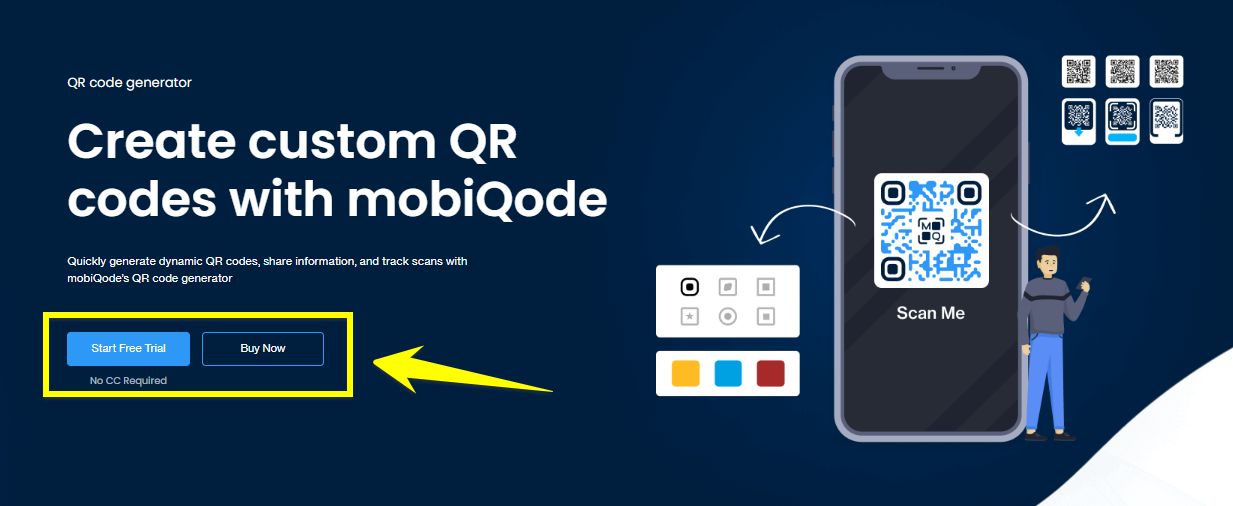
Open a QR Code Generator
Sign in to mobiQode’s QR code generator on your device through any browser.
Choose a Data Type
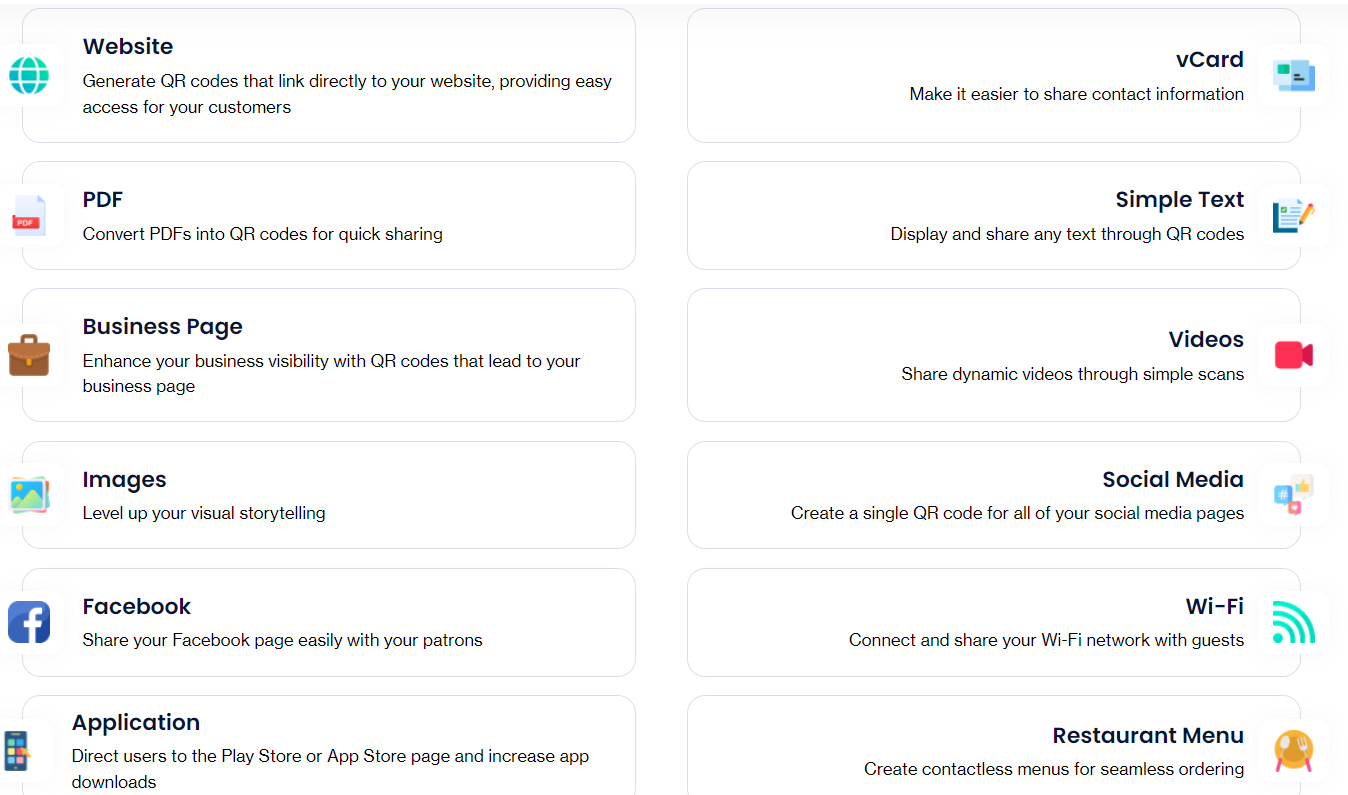
mobiQode gives you multiple QR code options. Choose the format that matches your goal:
- Link QR codes: Ideal for directing attendees to your event website or registration page
- Text QR codes: Include event details like date, time, and venue directly in the code
- Social media QR codes: Connect attendees to event-related social media profiles
Customize Your QR Code
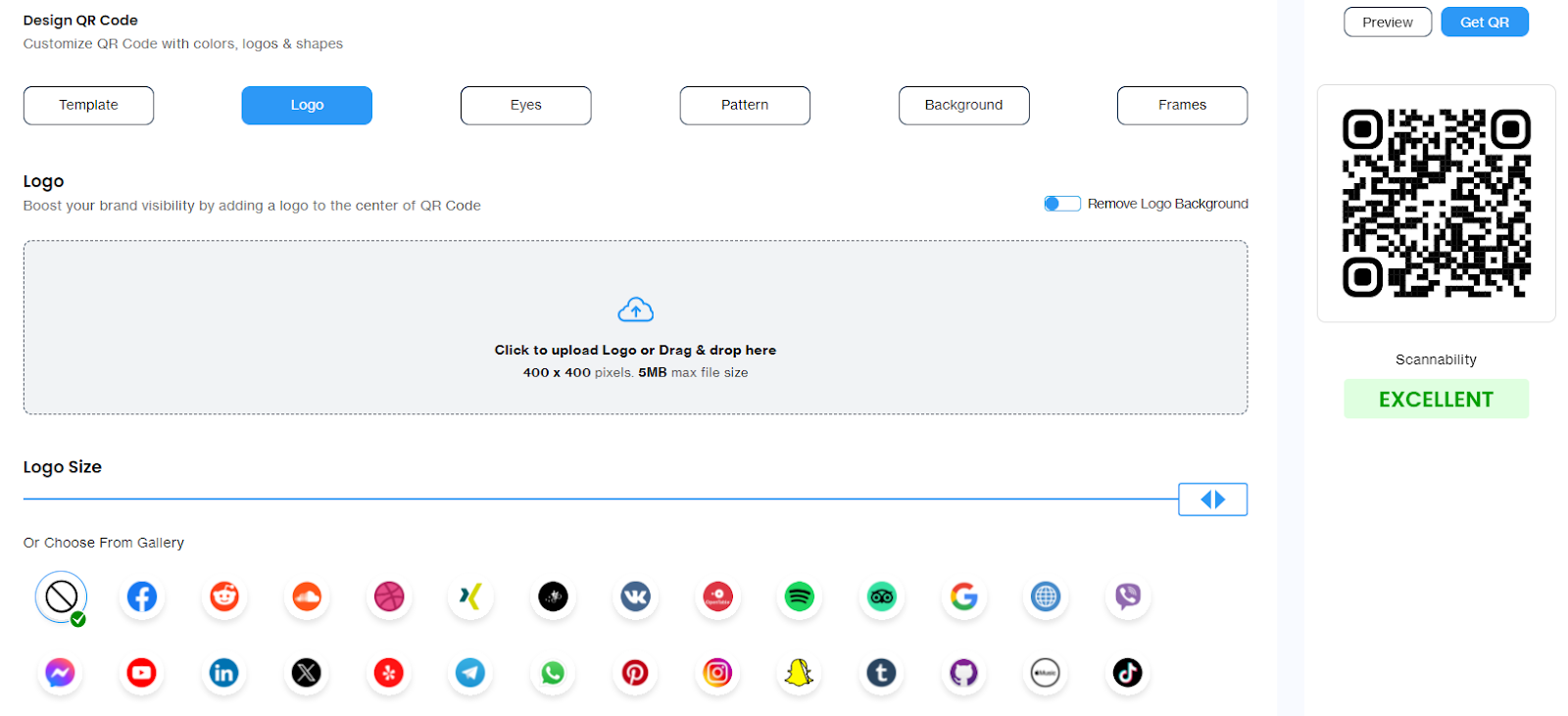
Customize colors, add your event logo, choose patterns, or include frames to align with your event’s branding. Add a visible CTA — “Scan to Register” or “Scan for Schedule” — near the code to drive action.
Download and Start Sharing
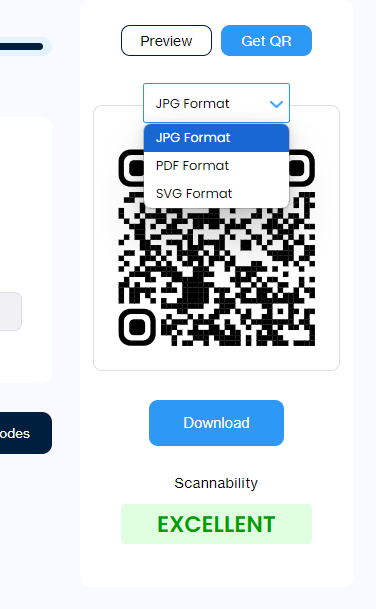
Before finalizing, scan the QR code on multiple devices to ensure it leads to the intended content. Download in SVG format for print materials (maintains quality at any size), or JPG/PNG for digital use. Share on brochures, prints, social media, or email.
Where to Place QR Codes at Events
| Event stage | QR code placement | Purpose |
| Pre-event marketing | Printed materials, social media posts, physical billboards, email campaigns, booths and displays | Drive registrations, provide event details, link to ticket sales |
| On-site information | Participant badges, menus and maps, schedules and brochures, presentation slides | Easy access to event information, improved attendee experience, real-time updates |
| Event check-in | Attendee tickets, VIP passes and badges, confirmation emails, registration desks | Ease entry process, verify attendee information, track attendance |
QR Codes for Events: Best Use Cases
QR Codes for Event Registration
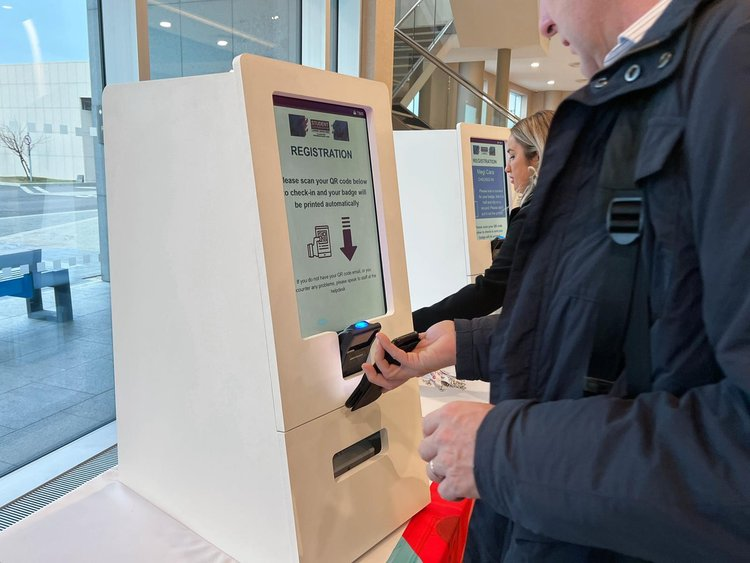
Event QR codes cut registration time dramatically. Attendees can register and buy tickets in seconds by scanning — no lengthy procedures, no manual form-filling, no manual credit card entry.
QR Codes for Giveaways at Events
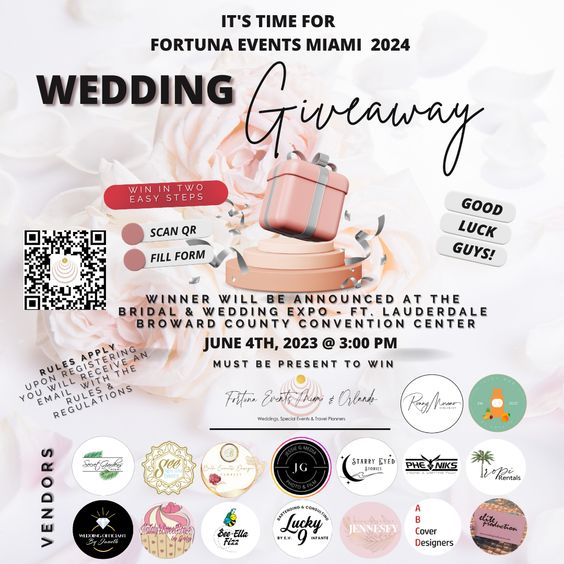
QR codes make vendor booth information exchange much easier. Attract customers with swag, contests, or giveaways — attendees simply scan, verify, and submit. This also acts as a lead magnet, giving you prospect information for outreach.
QR Codes for Ticket Booking
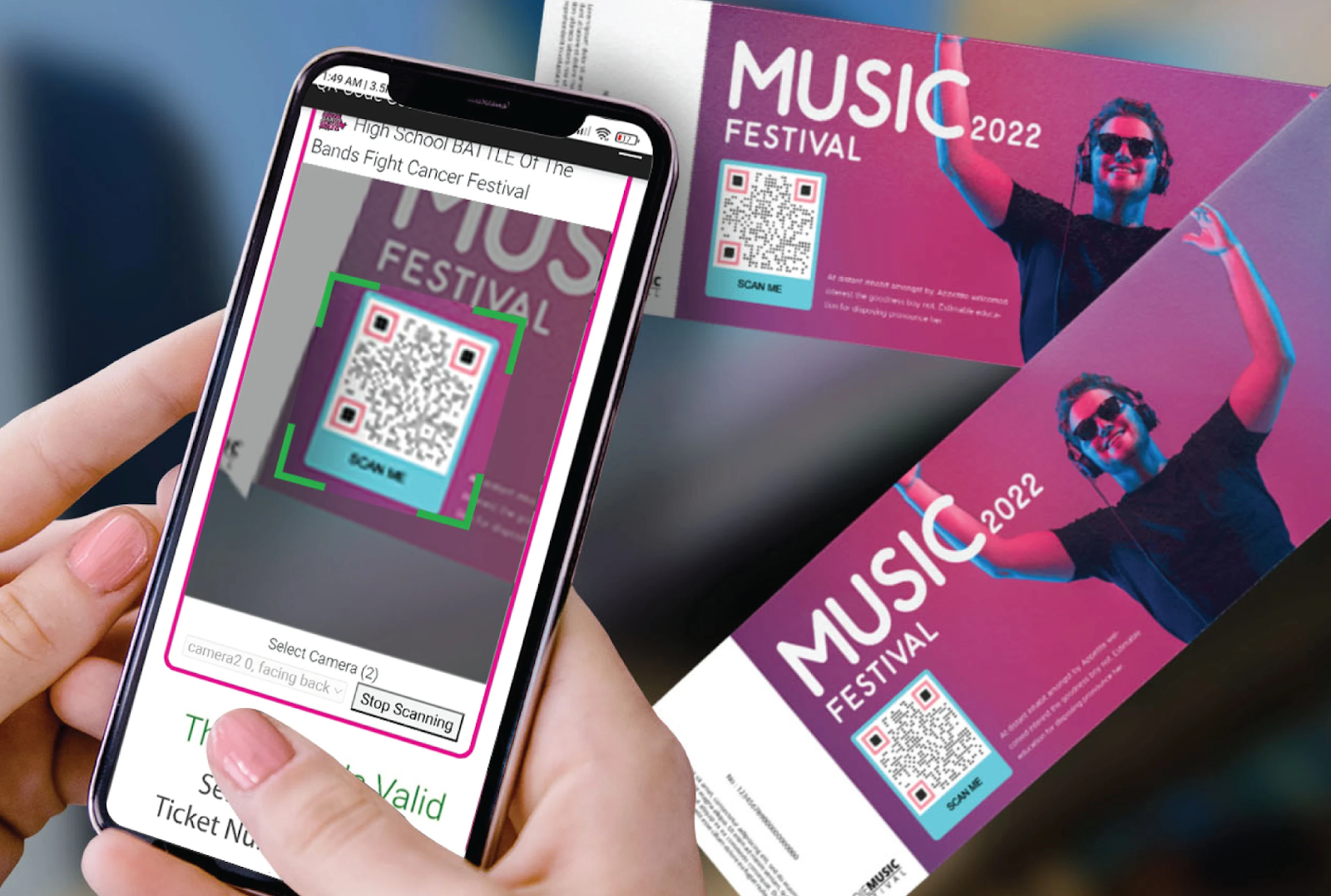
Plays, concerts, sports events, trade exhibits, and community events can use QR codes to simplify check-in and registration — while also increasing transparency by helping staff verify genuine tickets from fraudulent ones.
QR Codes for Social Meetups
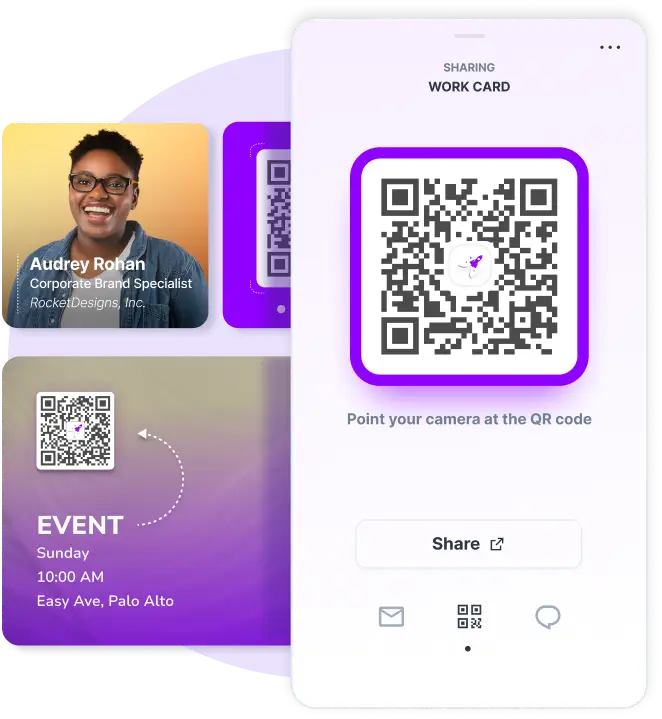
vCard QR codes at networking events are an excellent way to make new connections. They offer more information than a standard business card — interactive cards with clickable icons for social media handles, portfolios, and contact details.
QR Codes to Receive Event Feedback
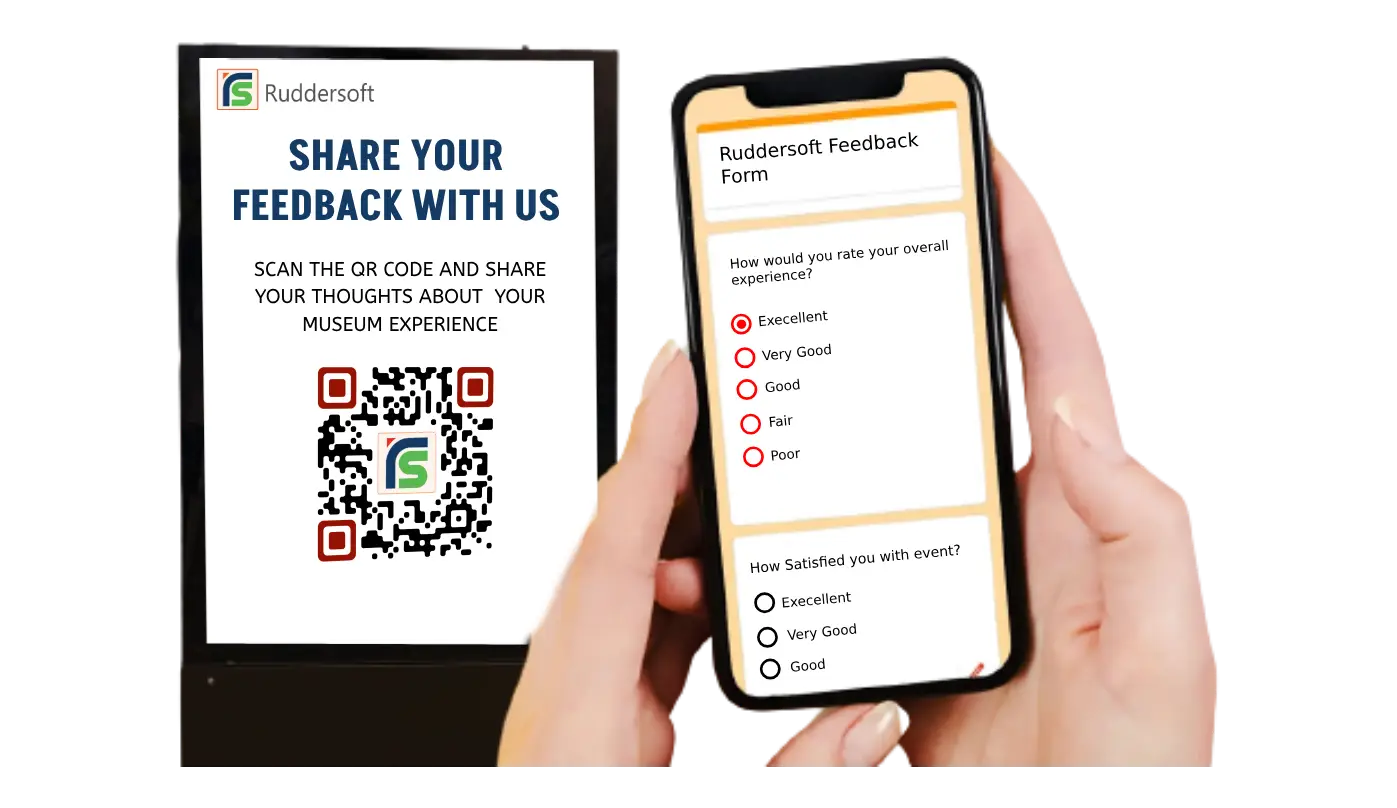
Place QR codes at tables and entrance doors — guests scan and navigate to a survey form. This increases response rates and helps you make informed decisions for future events.
QR Codes for Event Marketing
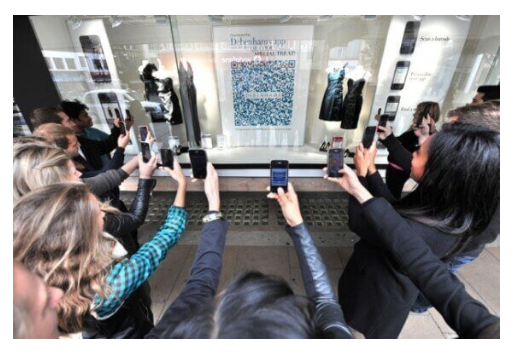
Add a QR code to brochures and ads. Potential buyers can find product demos, portfolios, pricing details, and consultation booking with a single scan. Place codes across the marketing venue so prospects can dig deeper into what interests them.
Benefits of Using QR Codes for Events
Fix mistakes anytime, anywhere: Choosing dynamic QR codes allows you to edit information — website URL, text, images, contact info — even after the QR code has been generated and printed.
Share event photos: Use your QR code to give attendees a link to upload images throughout the event, set up a live slideshow, or let visitors download high-res photographs. Alternatively, set up photo booths where people download pictures via QR code.

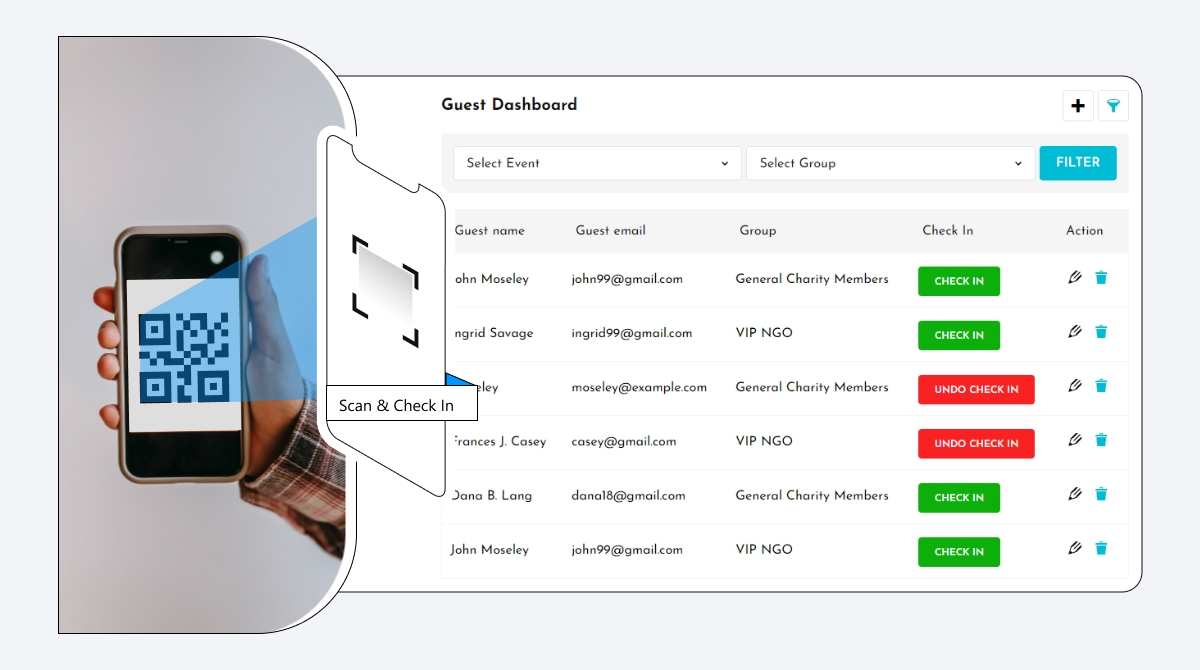
Streamline check-ins: Eliminate manual tasks and paperwork. Use QR codes to direct guests to session schedules, speaker bios, and topics addressed.
Track event attendance: QR codes automatically track attendance and visitor information. Monitor who scans your code, collect email addresses, and use that data to boost conversions and personalisation.
Get a sustainable alternative: The QR code is an eco-friendly replacement for paper tickets — no paper, energy waste, or physical materials. It’s also touch-free, which many attendees prefer.
Boost engagement: Link to interactive event agendas, offer exclusive content access, or encourage social media engagement with pre-filled posts and hashtags — making it easy for attendees to stay engaged and share experiences.
Best Practices for Using Event QR Codes
Offer Flawless Readability
- Generate high-resolution QR codes, especially for large-scale events
- Keep designs simple — avoid intricate patterns that may interfere with scanning
- Test with various devices and apps to ensure universal compatibility
- Perform regular error checks to confirm all codes link to correct destinations
Place Event QR Codes Strategically
- Place QR codes prominently on event tickets, name badges, and signage
- Include QR codes in confirmation emails and promotional materials
- Provide clear instructions near each QR code to guide usage
- Use dynamic QR codes for flexibility in updating linked content
Prioritize Data Security
Data breaches lead to an average loss of $3.86 million and severely damage reputation. To implement secure event QR codes:
- Use encryption (TLS, SSL) for all data transmitted via QR codes
- Display clear privacy notices at registration points and on your event website
- Create and communicate accessible data protection policies
- Use GDPR-compliant QR code generators
Optimize for Mobile Experience
- Ensure all QR code destinations are fully mobile-optimized
- Test load times and usability across various mobile devices
- Use QR codes to facilitate easy social media follows and shares
Design for Impact and Functionality
- Use contrasting colors between the QR code and its background
- Size QR codes appropriately for their intended scanning distance
- Incorporate brand elements subtly without compromising scan reliability
- Add a clear call-to-action near each QR code to encourage interaction
Event Types That Benefit Most from QR Codes
🏢 Trade Shows and Conferences
QR codes simplify registration, enable lead collection at exhibition booths, and provide instant access to schedules and speaker details. Exhibitors collect contact information from potential clients without manual data entry.
💍 Weddings and Social Events
Replace printed invitations with digital codes that provide event details, live gallery links, and photo album access. Guests scan to upload pictures, access directions, and view itineraries.
🎵 Concerts and Festivals
Speed up ticket validation through faster processing at entry. Use QR codes for merchandise links and real-time updates on performance schedules.
🏫 Corporate Training Events
Share learning materials, session links, and feedback forms with participants in seconds — keeping everyone on the same page without physical handouts.
Conclusion
QR codes turn complex event management into a smooth, mobile-first experience — reducing delays, improving attendee engagement, and giving visitors instant access to everything they need. They also reduce hands-on operational work while giving organizers full oversight of the event flow. With mobiQode, you can create interactive, trackable event QR codes starting from $5/mo.
QR codes are the bridge between the physical and digital world. We’re making it simple for everyone to create, share, and connect.
Optimize Your Event Marketing with Smart QR Codes
Start Free Trial →14-Day Free Trial · Plans from $5/mo · No Credit Card Required
Frequently Asked Questions
How do I create a QR code for an event?
Create a mobiQode account, choose a QR type (Link, Text, or Social Media), add your event link or details, customize the design, test it on multiple devices, and download for use on your event materials.
Can I use one QR code for multiple events?
Yes, with a dynamic QR code. You can update the destination content anytime from your mobiQode dashboard without changing the printed code.
Can I track how many attendees scanned?
Yes. mobiQode’s analytics for dynamic QR codes let you track total scans, timing, device type, and approximate location.
What happens if event details change after printing the QR code?
With a dynamic QR code, you can update the linked content from your dashboard at any time — no reprinting needed. Static QR codes lock the destination at creation and would require reprinting.
Do event QR codes work without the internet?
The QR code itself can be scanned offline, but the linked content — registration forms, schedules, websites — requires an internet connection to load.

