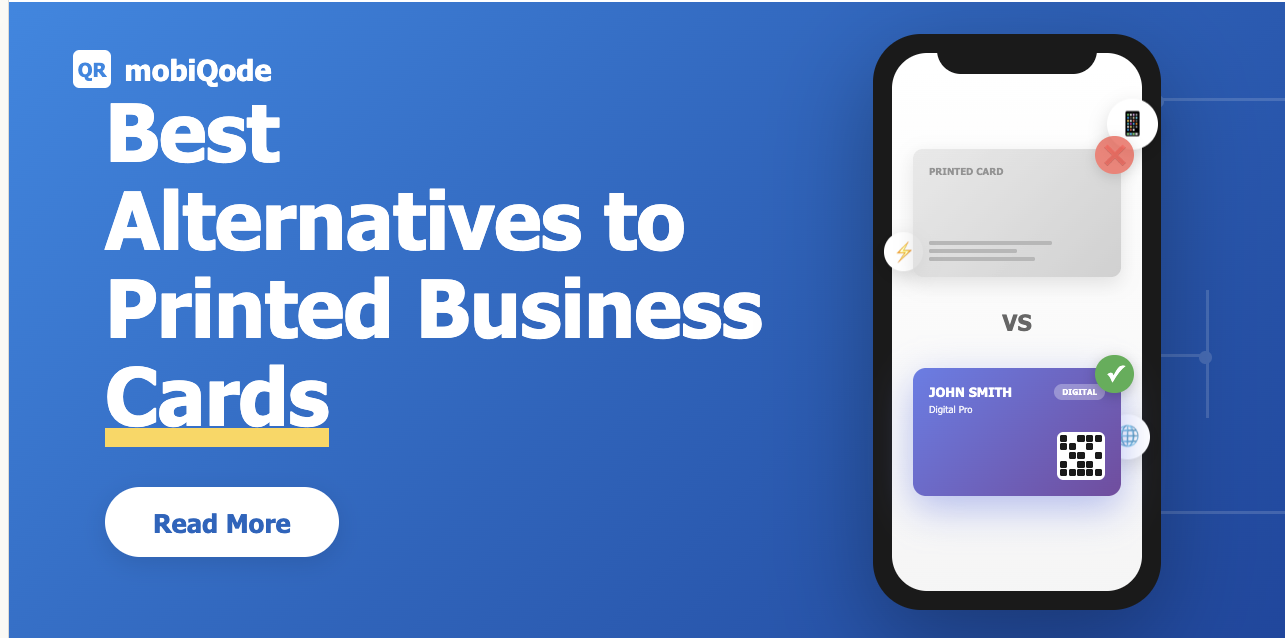
In only a span of one week, 88% of printed business cards are thrown in the trash. This little card has a big impact on the environment, contributing to the annual loss of over 4 billion trees worldwide and nearly 400 million tons of paper waste.
In 2026, networking is becoming contactless and smart. Professionals are moving beyond paper to eco-friendly ways of sharing their details—from QR-based digital business cards to Apple Wallet passes. Among all these, digital business cards are emerging as the easiest and most impactful upgrade. Let’s dive into what’s replacing printed business cards in 2026.
What’s replacing printed business cards?
The days of exchanging paper cards are fading fast. A range of digital and contactless alternatives have emerged, each designed to make networking faster, smarter, and more sustainable. Here are the most popular options available today.
1. Digital business cards (QR-based)
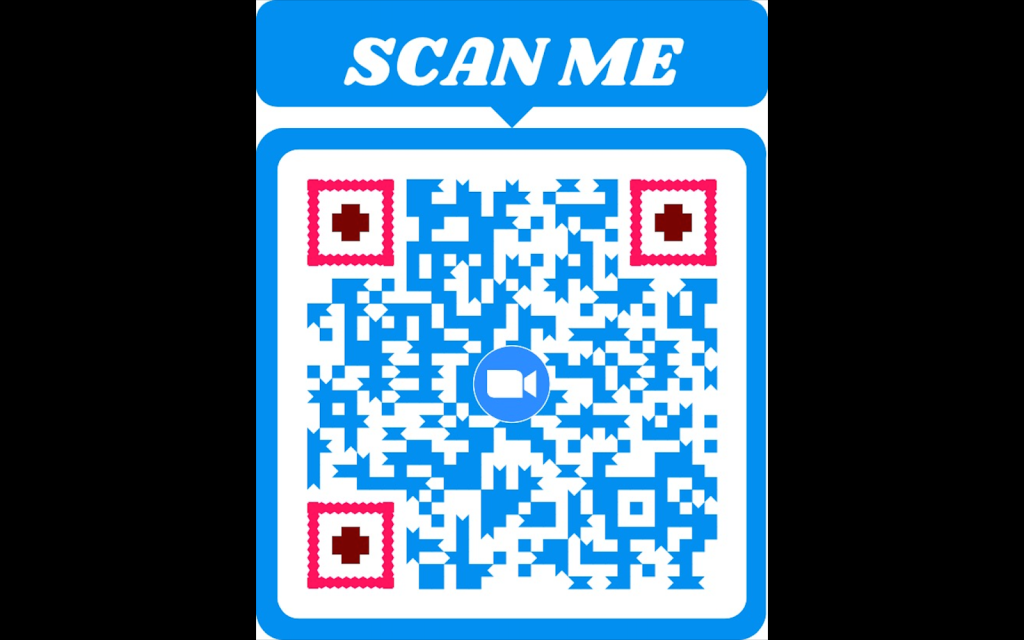
Digital business cards use dynamic QR codes for contact sharing. When you create a digital business card, a QR code is automatically generated and linked to your personalized landing page. When someone scans it, they can instantly view your contact info, company details, social links, and more. The user can even share their own information back through built-in lead capture forms.
With a QR-based digital business card, you can create a fully personalized card that reflects your brand, track engagement, and update your information at any time.
Pros:
- Contactless and eco-friendly
- Easy to update anytime
- Customizable templates and colors
- Collect and manage leads seamlessly
Cons:
- Requires internet access to open the landing page
2. NFC smart cards
NFC (Near Field Communication) cards eliminate the need for scanning by allowing you to share contact information with a simple tap on someone’s phone. While they’re sleek and convenient, they’re less adaptable than digital business cards with QR codes that allow real-time updates and analytics.
Pros:
- Instant sharing with a simple tap
- Works offline in most cases
Cons:
- Needs compatible devices (some older phones may not support NFC)
- Limited design flexibility compared to QR-based cards
- Usually costlier to produce than digital versions
Switch to Digital — Create Your Card Free for 14 Days
Start Free Trial →3. Apple Wallet and Google Wallet passes
Apple Wallet and Google Wallet passes store your contact card directly inside your mobile wallet. You can quickly share your details by showing or sending your pass. Although they’re convenient for tech-savvy users, they don’t offer the same flexibility and interactivity as dynamic digital business cards, which allow you to add media, track scans, and capture leads.
Pros:
- Always accessible on your smartphone
- Great for professionals already using Apple or Google ecosystems
Cons:
- Limited customization options
- No cross-compatibility between Apple and Android environments
- No engagement tracking or lead capture features
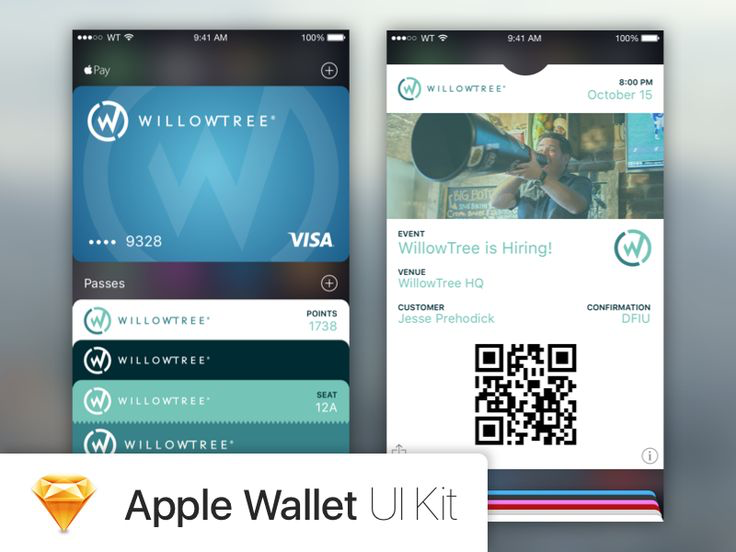
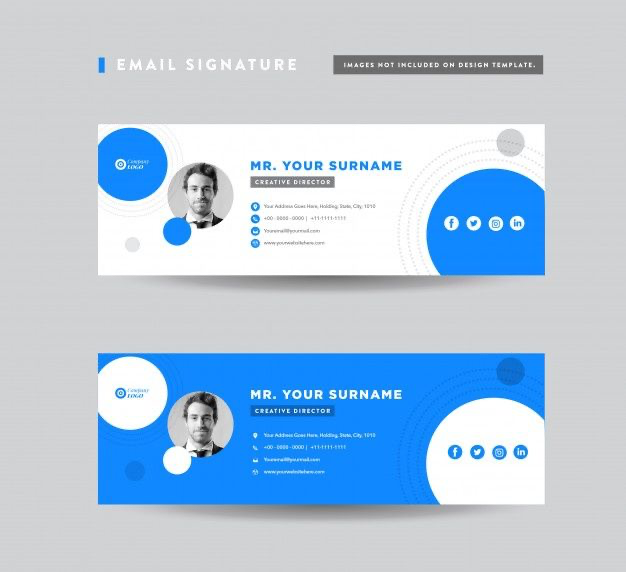
4. Email signatures and personalized microsites
Email signatures and personalized microsites are digital touchpoints that display your contact details, logo, and social links at the end of your emails or on a small web page. They help you share professional information online without a physical card. However, unlike QR code business cards, they usually lack the interactivity, personalization, and real-time analytics.
Pros:
- Easy to create and maintain
- Great for reinforcing your brand with every email
- No physical exchange required
Cons:
- Not practical for in-person networking
- Offers minimal data tracking
- Can’t collect contact information in return
Digital business cards: the smartest alternative
Digital business cards have become the go-to option for professionals wanting a contactless way to share their information. They’re easy to use, adaptable, and work seamlessly across both in-person and online interactions.
Instead of handing out paper cards, you share a QR code or link that opens your digital card. It includes everything from contact details and social links to your portfolio or company website. You can also connect it to Apple or Google Wallet for one-tap access. They’re instantly shareable, always up to date, and easy to personalize.
Here are the key benefits:
- Share anywhere through a QR code, link, or NFC tap
- Update anytime without reprints or redistribution
- Add links, social handles, or videos for a complete profile
- Integrate with Apple or Google Wallet for quick sharing
- Reduce paper waste and save on printing costs
- Track engagement with real-time analytics and reporting
- Customize end-to-end to match your brand kit
- Collect contact information with built-in lead capture forms
mobiQode — The Smartest Alternative to Paper Cards
Start Free Trial →How to transition from printed to digital
Step 1: Audit your current business card use
Start by noting what information you usually share and which parts of your design you want to keep.
Step 2: Choose a digital platform like mobiQode
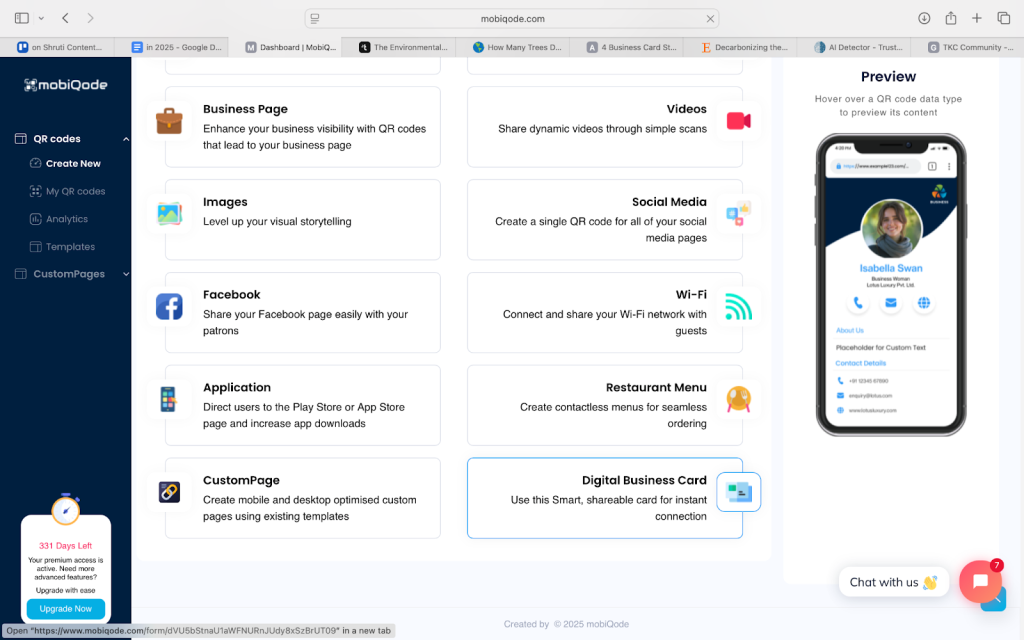
Sign up with mobiQode and choose “digital business cards” to create, customize, and manage your card from one dashboard.
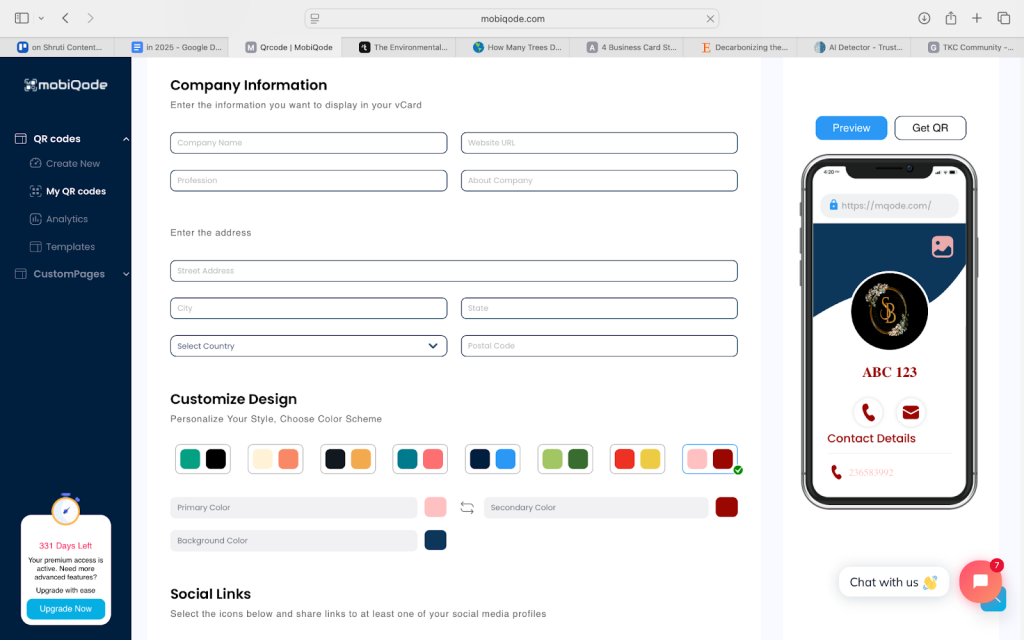
Step 3: Add your information and branding
Add your contact details, logo, brand colors, and social links to keep your digital identity consistent.
Step 4: Share your new card anywhere
Send it via email, LinkedIn, or display your QR code at events for instant connections.
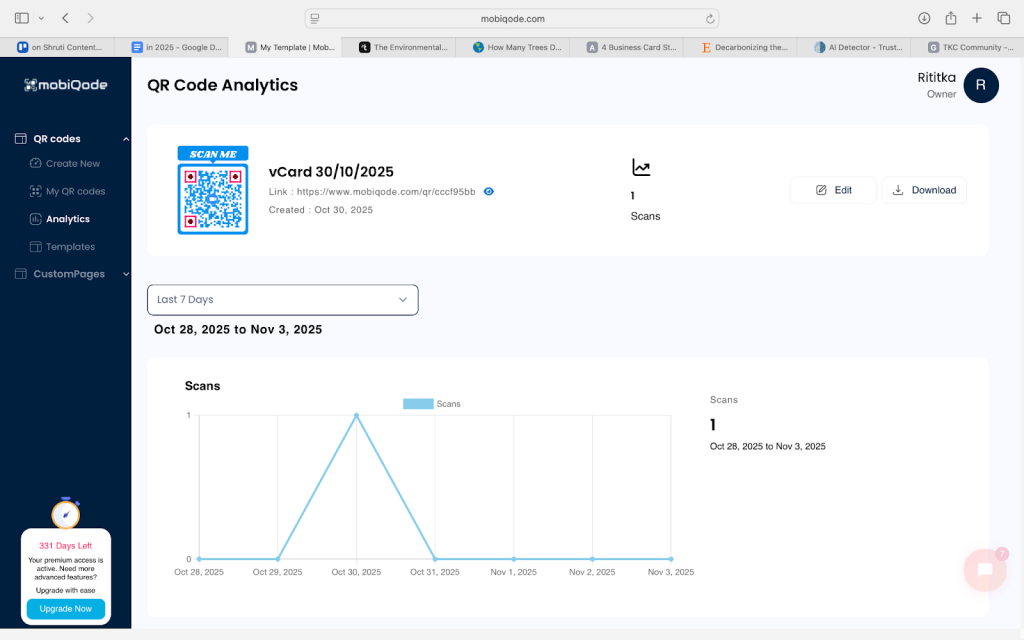
Step 5: Track engagement and update anytime
Monitor views and scans, edit your information on the go, and keep your card updated at all times.
Make your next introduction smarter
Paper cards had their time, but networking has evolved. In a world that values speed, sustainability, and connection, QR code business cards are the smarter choice. They’re easy to share, simple to update, and always accessible wherever you work or meet.
If you’re ready to leave behind printing costs and waste, mobiQode makes it effortless—from designing your card to tracking who scans it.
Create your first digital business card with mobiQode today.
88% of paper cards end up in the trash. Digital business cards ensure every introduction actually leads somewhere—trackable, updatable, and always professional.
Founder, mobiQode
Ditch Paper Cards — Go Digital with mobiQode
Start Free Trial →14-Day Free Trial · Plans from $3/mo · No Credit Card Required