

Digital Business Card QR Code Generator
Share your contact details in a tap with digital business cards
Create a digital business card with mobiQode’s QR code generator. Share the QR code across your network for single-scan access to your business and contact details.
Data types
QR code maker that fits all your needs
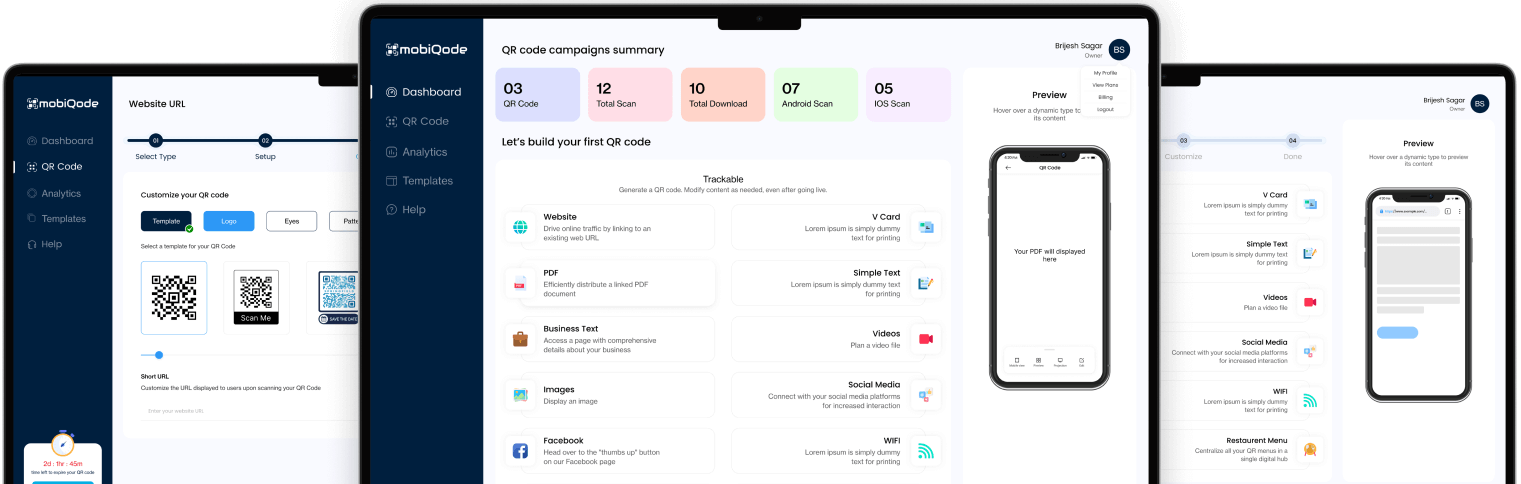
mobiQode offers QR codes for every data type
Create custom QR codes with mobiQode
Preview
Hover over a QR code data type to preview its content
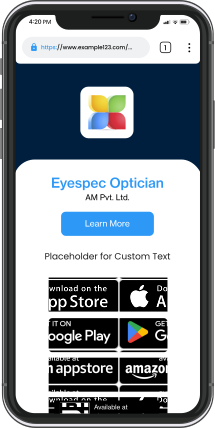
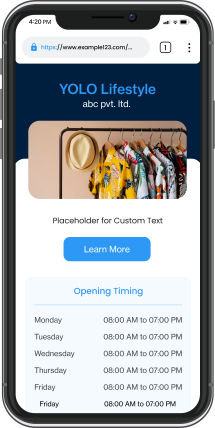
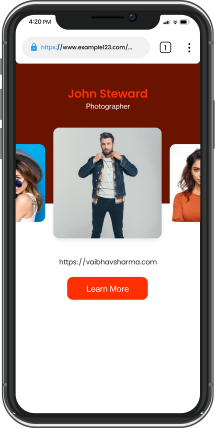
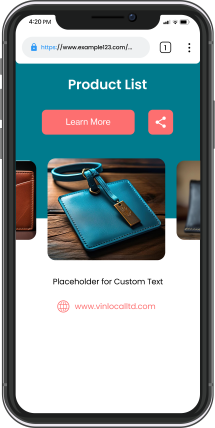
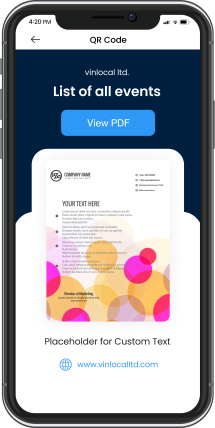
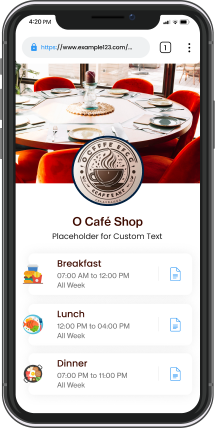
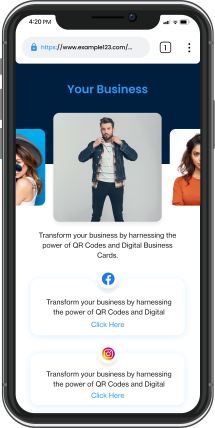
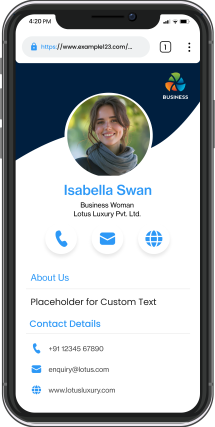
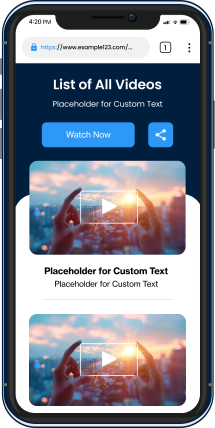
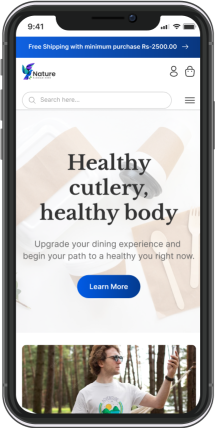
Digital business cards for every use case
Corporates
Share contact details and professional profiles via digital business card QR codes.
Get Started
Interviews
Job seekers can include QR codes on resumes, linking to portfolios or LinkedIn profiles.
Get Started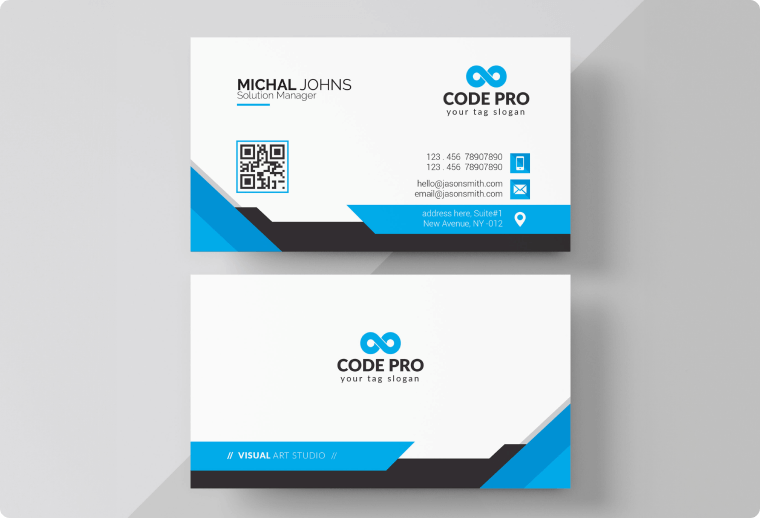
Networking events
Attendees can scan each other's QR codes to quickly exchange contact information
Get Started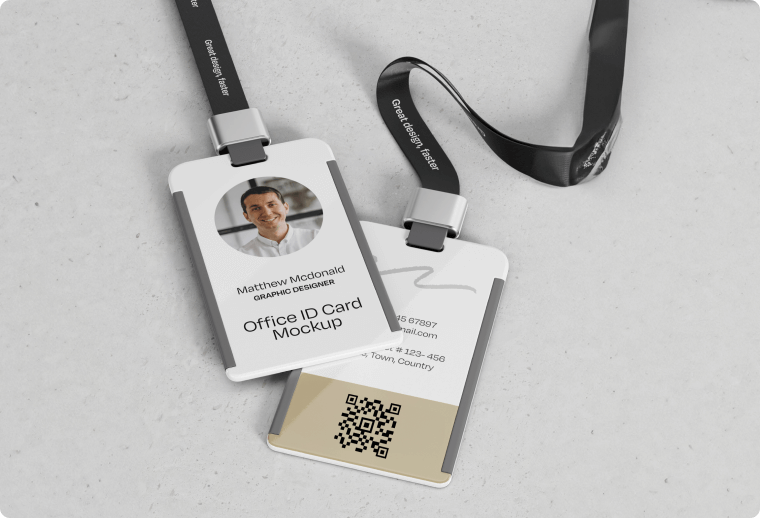
Trade shows
Exhibitors at trade shows can display QR codes for more info about their business.
Get Started
Social media marketing
Use digital business cards to promote your social media profiles.
Get Started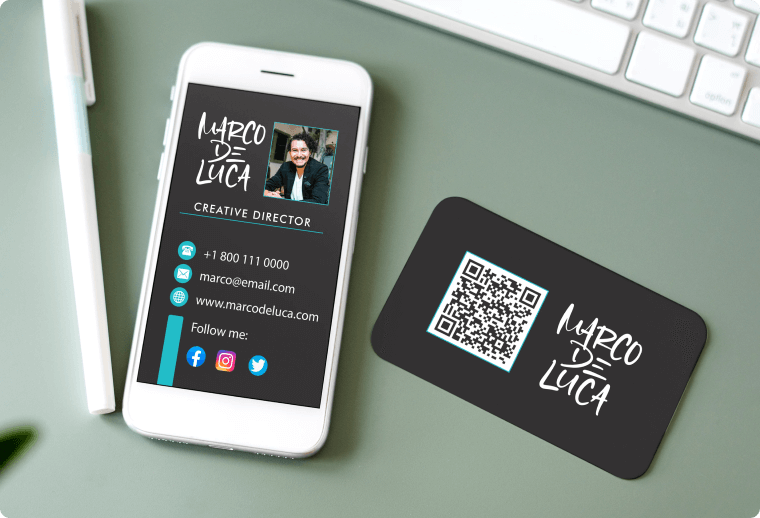
Consulting
Share your expertise, client testimonials, and consulting services with potential clients.
Get Started
How to create a QR code for your digital business card?
Step 01 - Add info
Add your name, company, location, and contact details.
Step 02 - Customize
Use templates or customize the business card from scratch.
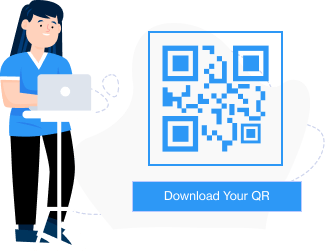
Step 03 - Download
Generate the QR code and download it for easy sharing.
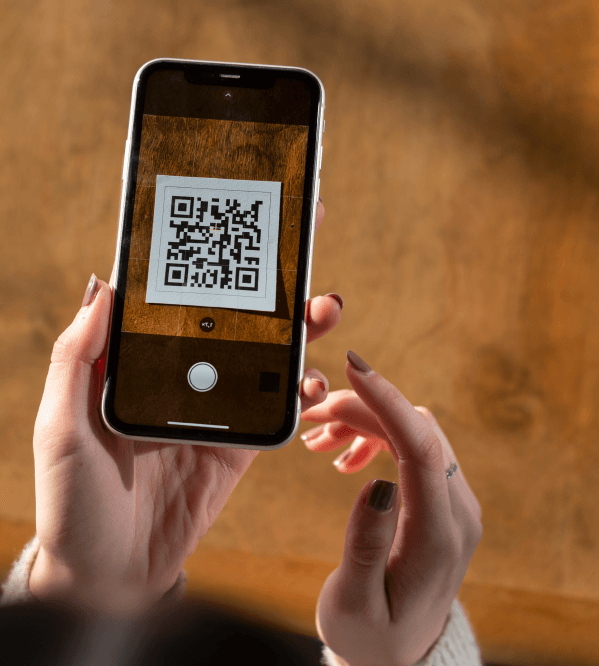
How does a QR code business card work?
QR code business cards embed contact details like name, business address and web URLS into a QR code. Scanning the code reveals a virtual card with all information, which can be saved on the user’s device or shared on different mediums like text and emails.
Get Started
Discover the features of our digital business cards

Dynamic QR codes
Update your details anytime with our dynamic QR code business card generator. No reprinting required.

Fully customizable
Choose from a variety of business card templates and customize the design quickly.

Ad-less experience
Prevent your users from ad overload when they scan your digital business card QR code.

High security
We encrypt and protect your data at every step using our secure QR code generator for business cards.

Multi-URL landing pages
Create dynamic landing pages with multiple URLs and link all your business profiles together.

Quick generation
Generate a digital business card QR code with a few clicks with our user-friendly interface.
Design your unique digital business card today
Enjoy a free 14-day trial. Upgrade whenever you are ready.
MobiQode videos on Digital Business Card QR Code Generator
Frequently Asked Questions
Digital QR code business cards are electronic versions of traditional paper business cards, stored and exchanged in digital formats such as images, PDFs, or links. They contain personal and professional contact information.
Digital business cards allow users to share information electronically via QR codes. Additional features such as clickable links to social media profiles, interactive maps, and multimedia elements can be added to the cards. Digital business cards are eco-friendly, eliminating the need for printed materials. These cards can be easily updated and customized to reflect changes in contact details or branding. Use a free business card QR code generator like mobiQode to build and share yours easily.
You can feature the following details on your virtual business card:
- Name
- Job title
- Company name
- Phone number
- Email address
- Website URL
- Address
Additionally, consider including links to your professional social media profiles, such as LinkedIn, Twitter, or Instagram, to further connect with your contacts. Including a photo can help recipients remember you more easily. Depending on your industry or profession, you may also want to feature a brief bio or summary of your expertise and services offered.
Incorporate any relevant branding elements, such as your company logo or colors, to reinforce your brand identity.
Networking events
Distribute your QR digital business card to quickly exchange contact information at networking events, conferences, or trade shows.
Business meetings
Share your digital business card QR code during business meetings to provide instant access to your contact details, easing follow-ups.
Social media profiles
Add your business card QR code to your social media profiles or bio. Enable followers to easily connect with you outside of traditional networking settings.
Email signatures
Include your virtual business card QR code in your email signature. Provide recipients with a convenient way to save your contact information directly to their devices.
Digital presentations
Incorporate your QR code business card into digital presentations or slideshows. Allow audience members to access additional resources or contact information.
Social media profiles
Business correspondence
Include your QR business card in business correspondence, such as letters or invoices. Provide recipients with a quick way to save your contact details digitally.
You can share your digital business card in several ways:
- Email: Attach your digital business card to an email and send it directly to contacts.
- Messaging apps: Share your digital business card through messaging platforms like WhatsApp, Slack, or Microsoft Teams.
- Social media: Post your digital business card on social media platforms like LinkedIn, Twitter, or Facebook for your connections to access.
- SMS: Generate a QR code for your digital business card and share it via SMS to specific contacts.
- Mobile apps: Use dedicated mobile apps designed for digital business cards to share your card directly with other app users.
- Website or landing page: Embed your digital business card on your website or create a dedicated landing page where visitors can download it.
- Virtual meetings: Display your digital business card during virtual meetings or video conferences using screen sharing features.
- Cloud storage: Upload your digital business card to cloud storage platforms like Google Drive or Dropbox and share the download link with others.
- Printed materials: Add the digital business card QR code on printed materials like company merch, flyers, brochures and more for a quick scan. Printed materials: Add the digital business card QR code on printed materials like company merch, flyers, brochures and more for a quick scan.
Yes, you can add a QR code to a virtual business card to provide a convenient way for others to access your contact information digitally. Here's how:
- Choose a QR code generator: Use mobiQode to create a QR code.
- Input information: Enter the relevant contact details you want to include in your virtual business card, such as your name, job title, company, phone number, email address, and website URL..
- Generate QR code: The QR code generator then creates a unique QR code containing your contact details.
- Customize QR code: Customize how your digital business card looks by playing around with the design, color, and size of the QR code.
- Download QR code: Once your QR code is generated and customized, download the image file or copy the QR code URL.
- Test QR code: Before sharing your virtual business card with others, test the QR code to ensure it properly redirects to your contact information or digital business card.
Yes, you can create a digital business card for an iPhone using a QR code generator like mobiQode. These apps offer features for designing, customizing, and sharing digital cards directly from your iPhone. You can also export your card to Apple Wallet for easy access and sharing.
Updating information on your virtual business card QR code can be done using the app or platform where you created the card. Here is a step-by-step guide:
- Open the app: Open mobiQode’s dashboard to access all the generated digital business cards and QR codes
- Modify information: Click on the edit button to modify your contact details, such as name, job title, company name, phone number, email address, website URL, social media links, or photo.
- Save the changes: You do not have to reprint or redistribute the digital business card again since all information gets updated on the same link automatically.
Yes, digital business cards are safe to use. Unlike traditional paper cards, which can be lost, stolen, or damaged, digital business cards are stored electronically. This reduces the risk of physical theft or loss. Additionally, digital cards can be password-protected or encrypted for added security.
mobiQode also allows you to customize privacy settings, allowing you to control which details are visible to different recipients or groups.
Other ways how mobiQode ensures that the digital business cards are safe for its users are :
- mobiQode uses encryption to encode sensitive information, such as contact details, ensuring that it cannot be easily intercepted or accessed by unauthorized parties.
- We store user data on secure servers with strong security protocols in place to prevent unauthorized access or data breaches.
Yes, businesses can let multiple employees set up their own digital business cards. Businesses can create multiple cards at once using templates or customizable designs. This makes it easy to set up cards for all employees quickly. Once created, digital business cards can be distributed to multiple employees simultaneously. Administrators can also manage digital business cards for all employees from a centralized dashboard, making it easy to update information and track usage.
QR codes benefit businesses by streamlining customer interactions, enabling easy access to information, apps, or services. They reduce costs, improve engagement, and offer solutions for marketing, payments, and tracking, making operations efficient and enhancing the customer experience. The ability to scan and share data instantly boosts interaction. You can use mobiQode’s best business card QR code generator and create dynamic QR codes.
If the QR code on your business card is damaged, it may become unscannable. mobiQode’s best business card QR code generator offers backup options to quickly create QR codes for business cards again, ensuring uninterrupted functionality and convenience.
To create digital business cards in bulk, use a business card QR code generator that supports bulk QR code generation. Make QR codes for business cards in a few easy steps with mobiQode.
You can create a digital business card for free using mobiQode. Just sign up, choose a card layout, and enter your information like name, email, phone, social media, and more. Our digital business card creator then generates a personalized QR code.
This is ideal for professionals who want to upgrade to modern, contactless networking. Whether you need a business card QR for social media profiles or to share at business events, mobiQode gives you full functionality even during the trial period.
When someone scans your QR code on a business card, they’ll instantly see all your contact and business details. This includes your name, number, email, website, and any linked social media profiles — all in one mobile-friendly view.
By using a QR code generator, your information is accessible in a single tap, without any manual typing. This frictionless experience helps you stand out and increases the chances of a follow-up or connection. mobiQode’s QR code generator also ensures fast and secure redirection without ads.
Yes, you can include links to your website, LinkedIn, and other social media profiles in your digital business card. Most digital card platforms allow you to add multiple links in a clean, organized layout. This makes it easy for your contacts to explore your online presence, connect with you professionally, and learn more about your brand. It also betters the networking process by providing all essential contact points in one convenient, scannable format.
Yes, once you’ve created your digital business card, you can download it in high-resolution formats suitable for printing. Use this on flyers, merchandise, and more.
If you're using our free QR code business card plan, you’ll still have access to print-ready files. This works well for professionals who need both online and offline visibility. With mobiQode, your printed cards can direct people to your online profile. It cuts the gap between face-to-face networking and your digital identity.
Yes, digital business cards can include multimedia like intro videos, brand reels, or portfolio links. This helps you stand out by giving recipients a more engaging and interactive experience than traditional cards. mobiQode lets you embed rich content directly into your digital card to showcase your work more dynamically.
Yes, you can add a personal photo or your company’s logo to your digital business card. This helps reinforce your brand identity and makes your profile stand out to potential clients, recruiters, or networking connections.